
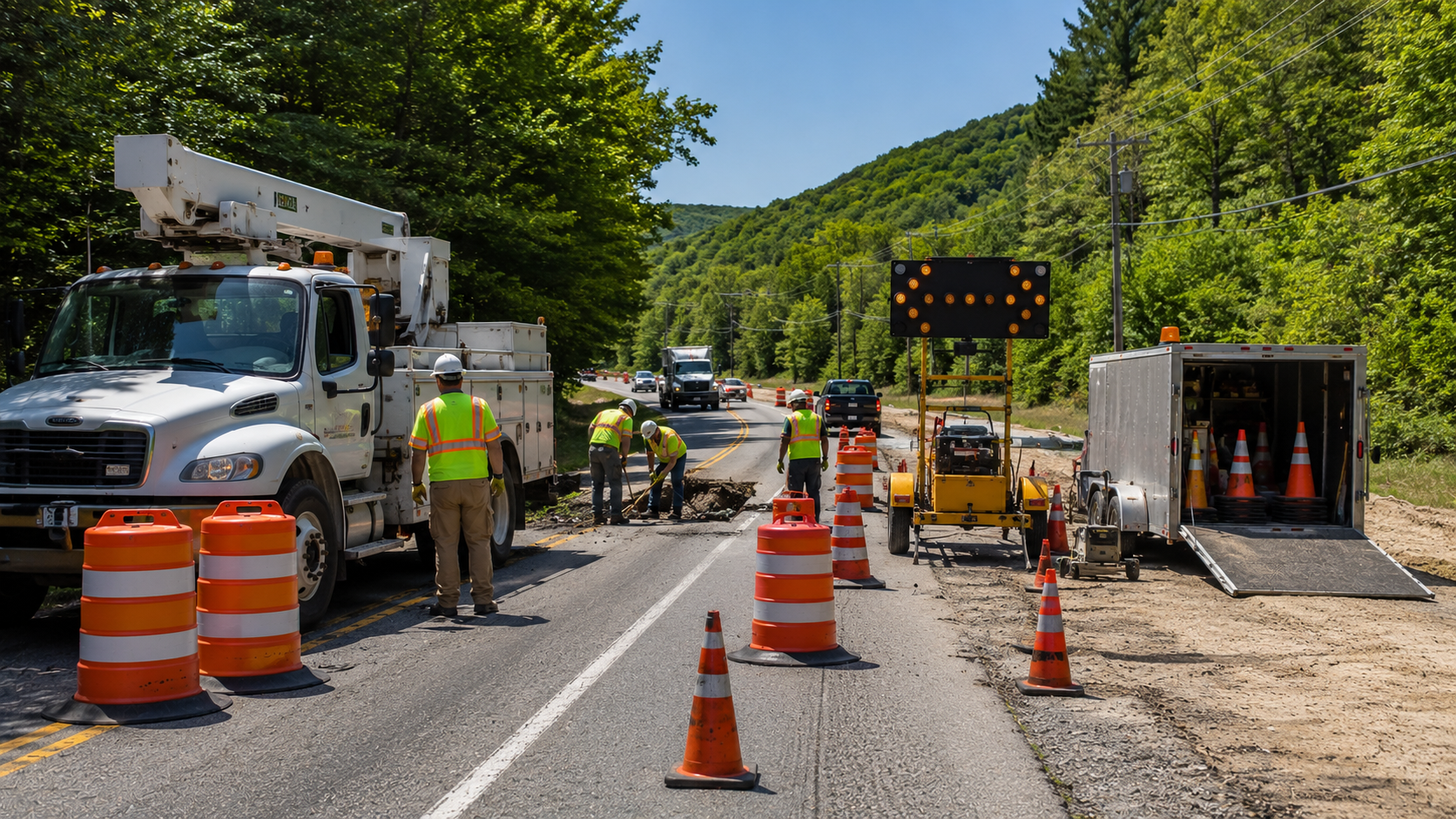
Traffic control for utility work uses temporary devices, people, and equipment to guide drivers and pedestrians around roadside utility activity while protecting crews. It can include cones, drums, signs, flaggers, AFADs, portable traffic signals, lane closures, driveway access control, and emergency response setups. The right approach depends on the road, the work area, the traffic exposure, and the amount of time crews need to complete the job.
Utility work zones are often different from standard road construction. A road project may have weeks of planning, a detailed staging sequence, and a predictable closure window. Utility work may involve a water main break, power restoration, telecom repair, sewer access, or roadside excavation that has to happen quickly. The current national traffic control device standard is the 11th Edition with Revision 1, dated December 2025, and Part 6 focuses on temporary traffic control for work areas that affect road users [1][2].
That distinction matters because utility crews face hazards from both inside and outside the work zone. Official safety guidance specifically identifies highway infrastructure workers, including utility workers, as exposed to hazards such as struck-by risks and other work zone dangers [3]. A good traffic control setup helps manage those risks while keeping traffic, pedestrians, and local access moving as safely and predictably as possible.
Table of Contents
What is traffic control for utility work?
Traffic control for utility work is the process of planning, setting up, operating, and removing temporary traffic control around utility activity in or near the public right-of-way. It is used when the work could affect drivers, pedestrians, bicyclists, emergency responders, utility crews, or nearby property access.
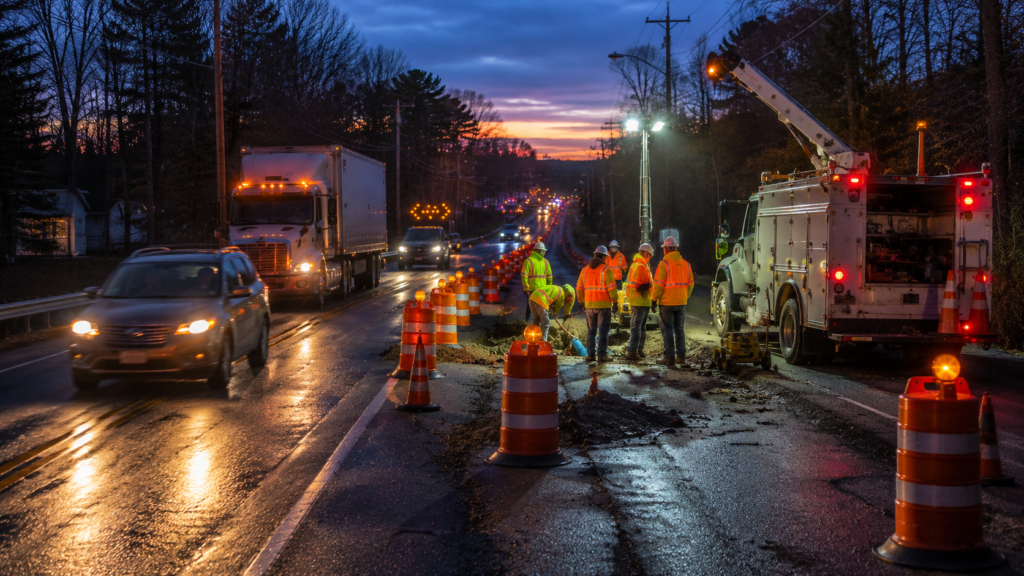
In the field, that can mean a simple short-duration shoulder setup or a more complex one-lane operation with portable signals. It may also mean keeping a driveway open while a crew repairs underground service, routing pedestrians around a sidewalk cut, or creating enough buffer space for workers and equipment near traffic.
Practical definition: Utility work traffic control is not just equipment placement. It is the full operating plan for the work zone, including who needs access, how traffic will move, how workers will be protected, and how the setup will change if conditions shift.
Common utility work examples include:
- Water main repair
- Sewer or storm drain work
- Power restoration
- Telecom or fiber installation
- Gas utility maintenance
- Roadside excavation
- Pole replacement
- Emergency repair after storms or crashes
- Work near driveways, alleys, sidewalks, or intersections
Part 6 guidance recognizes that temporary traffic control is meant to move road users through or around the work zone while protecting workers, responders, road users, and equipment [2]. For utility crews, that means the setup has to fit both the traffic pattern and the actual work being performed.
When does utility work need traffic control?
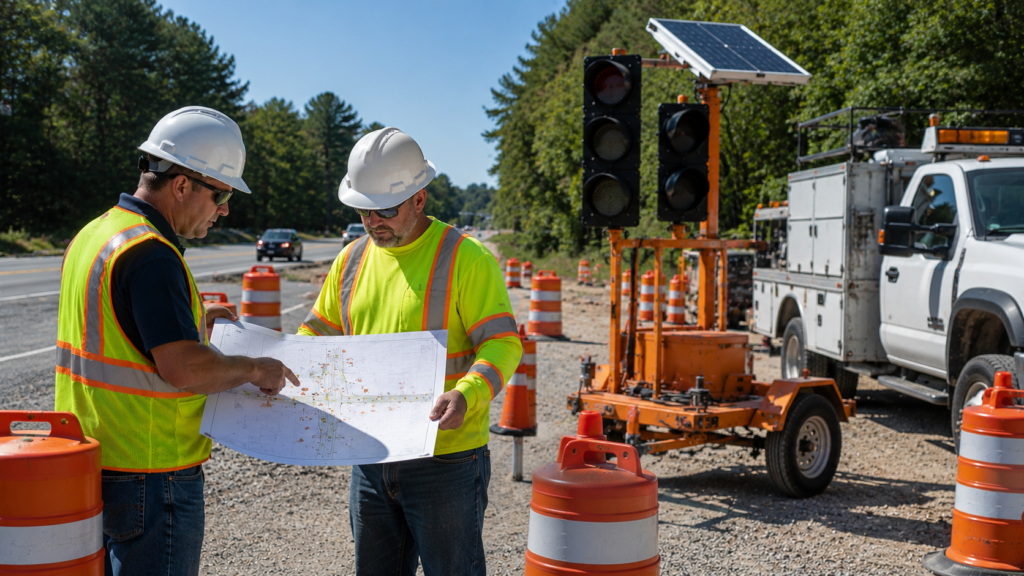
Utility work generally needs traffic control when crews, equipment, vehicles, or work activity affect a lane, shoulder, sidewalk, driveway, or intersection. The need depends on the project scope, agency requirements, traffic volume, road speed, work duration, and how close the crew is to moving traffic.
A small repair away from the roadway may need limited control. A lane closure on a busy road, a bucket truck near traffic, or an emergency repair after dark may need a more structured setup. For planned work, Part 6 says a temporary traffic control plan should be developed for activities that will affect road users, and for unplanned or emergency situations where practicable [2].
Typical triggers: Traffic control should be reviewed when:
- A lane or shoulder will be blocked
- Workers or equipment will be near live traffic
- Pedestrians need to be rerouted
- Driveways or business entrances may be affected
- Sight distance is limited
- Work happens at night, on weekends, or during peak traffic
- Crews need to excavate near the roadway
- Emergency repair work affects normal traffic flow
- A utility truck or trailer reduces available lane width
Some projects also need broader transportation planning. Work zone planning guidance notes that a transportation management plan can include strategies for managing project impacts, and that a temporary traffic control plan addresses traffic safety and control through the work zone [4]. For utility projects, the level of planning should match the size, risk, and expected impact of the work.
What equipment is used for utility work zones?
Common utility work zone equipment includes cones, drums, temporary signs, arrow boards, flaggers, AFADs, portable traffic signals, message boards, and remote monitoring tools. The right equipment depends on the job, but the goal is always the same: make the work zone understandable before drivers reach the conflict point.
| Equipment | Common Utility Use | Planning Consideration |
|---|---|---|
| Cones and drums | Channelizing traffic around work areas | Must be placed clearly and maintained during the work |
| Temporary signs | Advance warning and lane guidance | Must match the condition drivers will actually encounter |
| Arrow boards | Lane closure guidance | Direction and placement must support the active traffic pattern |
| Flaggers | Short-duration or active traffic control | Labor coverage, visibility, and exposure need careful planning |
| AFADs | Equipment-supported flagging | Site geometry and operator position matter |
| Portable signals | One-lane or longer-duration control | Duration, visibility, power, and traffic volume affect suitability |
| Message boards | Driver information for larger impacts | Useful when timing, detours, or queue concerns matter |
| Remote monitoring | Signal status and queue awareness | Helpful where repeated field checks are inefficient |
JTI offers portable traffic signal solutions for work zones, emergency response, intersection control, and utility traffic control applications [5]. JTI also offers AFAD equipment that can be operated by remote control from the roadside and is designed for movement within work zones [6]. Those equipment options do not eliminate the need for planning, but they give utility crews more ways to match control methods to field conditions.
Field view: A good equipment decision considers duration, road speed, traffic volume, available shoulder, sight distance, pedestrian movement, driveway access, and whether the setup will stay in place or move throughout the day.
Are flaggers or portable traffic signals better for utility crews?
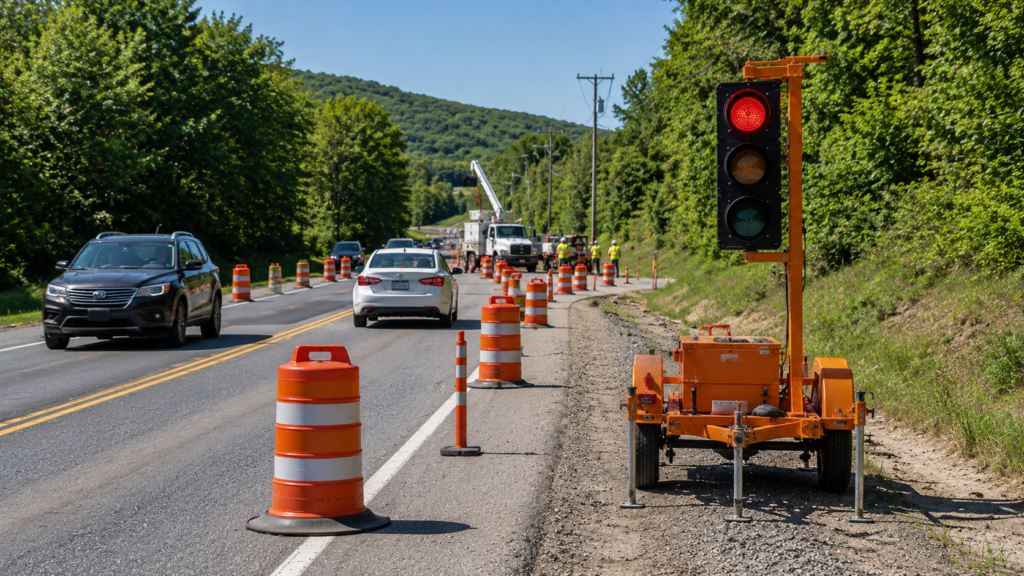
Flaggers can be better for short, active, flexible work, while portable traffic signals or AFADs may be better for longer operations, repeated one-lane control, or sites where reducing worker exposure is a priority. The better option depends on the jobsite, not a one-size-fits-all rule.
Flagger-focused setup: Flaggers can be practical when the work is short-duration, traffic volumes are manageable, and crews need direct control that can adjust quickly. This is common for active repairs, moving operations, or work where the closure changes during the shift.
Equipment-supported setup: Portable traffic signals may be useful when traffic needs to alternate through one open lane for a longer period. AFADs can support flagging functions while allowing the operator to work from the roadside in appropriate applications [5][6].
Decision factors:
- How long will the closure last?
- Is the roadway two-lane, multilane, rural, or urban?
- Is traffic heavy enough to create long queues?
- Is sight distance limited?
- Will workers be exposed to traffic for long periods?
- Is the operation planned or urgent?
- Does the agency or permit require a specific approach?
- Will the setup need to be repeated every day?
The lowest upfront setup is not always the lowest total cost. If the wrong method causes repeated mobilization, worker exposure, traffic delays, or field changes, the job can become harder to manage. For utility crews, the better question is not only which option is cheaper. It is which option keeps the work zone manageable for the full duration of the repair.
How do lane closures work for utility repairs?
Lane closures for utility repairs work by moving traffic away from the work area while maintaining a safe and understandable path for road users. The setup may involve a shoulder closure, single-lane closure, alternating one-way traffic, temporary signal control, or a full detour depending on the location and severity of the work.
A simple lane closure may only affect one side of a low-volume road. A more complicated utility repair might involve an intersection, business access, driveways, sidewalks, parked vehicles, transit stops, or emergency vehicle access. Each added conflict point changes the setup.
Lane closure planning chart:
- Short repair on shoulder: Focus on advance warning, worker visibility, and safe equipment placement
- One-lane two-way road: Consider flaggers, AFADs, or portable signals depending on duration and sight distance
- Urban utility cut: Account for pedestrians, turning traffic, driveways, parked vehicles, and business access
- Intersection repair: Review turning movements, signal timing, pedestrian routing, and agency direction
- Longer excavation: Plan maintenance, device checks, access control, and after-hours conditions
Part 6 emphasizes that the needs and control of road users in temporary traffic control zones must be considered, including motorists, pedestrians, bicyclists, and persons with disabilities [2]. That is especially important for utility work because repairs often happen in places built for daily access, such as neighborhood streets, business corridors, driveways, and sidewalks.
How does emergency utility work change traffic control planning?
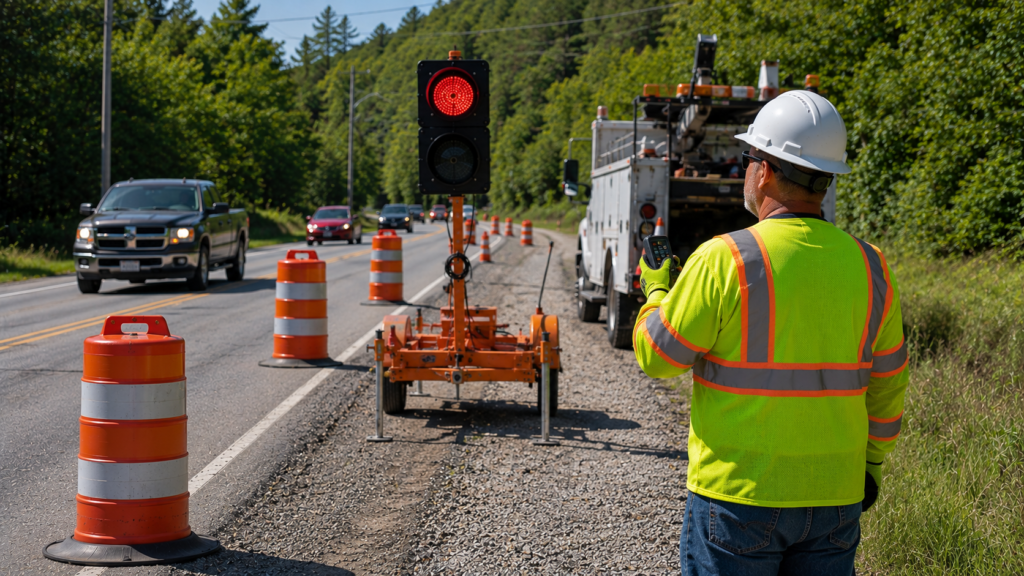
Emergency utility work changes traffic control planning because crews may not have the luxury of a long design window. A water main break, power outage, storm-damaged signal, gas response, or telecom outage may require a fast setup that still controls traffic clearly and protects workers.
Emergency work does not mean traffic control can be ignored. It means the setup has to be practical, fast, and adaptable. Part 6 allows for emergency and unplanned situations to be addressed where practicable, and the setup should still be based on the actual traffic exposure [2].
Emergency priorities: The first decisions usually involve:
- Where the hazard is located
- Whether a lane, shoulder, or intersection is affected
- Whether crews need immediate work space
- Whether traffic can pass safely
- Whether pedestrians need a temporary route
- Whether a portable signal, AFAD, or flagger setup is needed
- Whether the closure will remain after dark
- Whether the situation will become a longer-duration work zone
JTI offers emergency response signal options for situations where permanent traffic control is out of service or immediate intersection control is needed [7]. JTI rental programs can also support project-specific equipment needs such as portable traffic signals and other roadway safety equipment [8]. For utility teams, that matters because emergency repairs often move from “quick response” to “extended work zone” faster than expected.
Remote management can also help on longer or more complex temporary signal deployments. JTI’s remote management tools are described as supporting real-time monitoring, alerts, live video feed, and direct-to-controller programming for portable signals [9]. Those capabilities can be useful when a utility work zone must remain in place and field teams need better visibility into signal status or traffic queues.
What mistakes make utility work zones less safe or more expensive?
The biggest mistakes happen when the traffic control setup is treated as an afterthought. Utility crews often move fast, but speed without planning can create preventable delays, worker exposure, access complaints, or last-minute equipment changes.
Common mistakes include:
- Waiting until the crew is already on site to request traffic control
- Assuming a shoulder setup is enough without checking traffic speed or lane width
- Ignoring pedestrians, bicyclists, driveways, or business entrances
- Using flaggers when sight distance or exposure makes equipment-supported control more appropriate
- Using equipment without confirming site geometry, power needs, or agency expectations
- Failing to plan for nightfall, weather, or extended repair time
- Forgetting that utility vehicles and trailers can block more space than expected
- Underestimating setup and teardown time
- Reusing a generic layout that does not fit the actual roadway
Cost impact: Most overruns do not come from one dramatic mistake. They come from small field corrections: moving devices, adding coverage, waiting for equipment, changing a closure, or responding to traffic problems that could have been identified earlier.
A better approach is to gather the road type, work location, expected duration, traffic volume, access points, and agency requirements before the job starts. That gives the traffic control provider enough information to recommend a setup that fits the work rather than reacting after the site is already active.
When should utility contractors request professional traffic control support?
Utility contractors should request professional traffic control support as soon as the work may affect a roadway, shoulder, sidewalk, driveway, or intersection. For planned jobs, that should happen before the bid or schedule is finalized. For emergency jobs, it should happen as soon as the traffic exposure is clear enough to describe.
A professional review is especially useful when:
- The work will close or narrow a lane
- The job is near an intersection
- The repair may continue after dark
- Traffic volume is high
- Sight distance is limited
- Pedestrians or driveways are affected
- The crew needs repeated daily setups
- A portable signal or AFAD may be needed
- The agency, utility owner, or permit may require specific controls
Before requesting support, gather:
- Project location
- Planned dates and work hours
- Road type and number of lanes
- Work zone location relative to traffic
- Whether the work is planned or emergency response
- Expected duration
- Lane, shoulder, sidewalk, or driveway impacts
- Site plans, sketches, or photos
- Known agency or permit requirements
- Equipment needs, such as bucket trucks, excavators, trailers, or boring equipment
Traffic control for utility work is most effective when it is matched to the real jobsite. The right setup helps crews work with less confusion, gives drivers a clearer path, and reduces the chance that a simple roadside repair becomes a traffic problem. JTI Traffic Control can help utility contractors, municipalities, and project teams review equipment options and plan support before the work zone goes live.
Key Takeaways
- Traffic control for utility work should match the road, work duration, traffic exposure, and access needs.
- Utility work zones often need faster planning because repairs can be short-duration, mobile, urgent, or emergency-based.
- Flaggers, AFADs, portable signals, cones, drums, signs, and remote monitoring all serve different roles.
- The best setup depends on roadway conditions, sight distance, traffic volume, worker exposure, and agency requirements.
- JTI Traffic Control can help utility teams review equipment options before a roadside work zone goes active.
References
Standards and safety
[1] Current national traffic control device standard page confirming the 11th Edition with Revision 1, dated December 2025, as the current official publication.
[2] Current temporary traffic control standard document covering Part 6, work zone road user needs, TTC plans, and temporary control principles.
[3] Work zone safety overview describing hazards for highway infrastructure workers, including utility workers, and referencing traffic control setup guidance.
Planning and coordination
[4] Work zone transportation management planning fact sheet explaining temporary traffic control plans and broader work zone impact management.
Equipment and operations
[5] Portable traffic signal product page describing JTI portable signal options, applications, purchase or rental availability, and remote monitoring availability.
[6] AFAD equipment page describing roadside remote operation, compact trailer features, and flagger assistance functionality.
[7] Emergency response signal page describing portable emergency signal options for temporary intersection or outage response.
[8] Rental program page describing portable traffic signal rental support, delivery, pickup, and expert assistance.
[9] Remote management system page describing real-time monitoring, alerts, live video feed, and direct-to-controller programming functions.